
Sure but a battery operated door lock will be dead within a week (or less) running it too.
- 43 Posts
- 463 Comments
Joined 3 years ago
Cake day: June 18th, 2023
You are not logged in. If you use a Fediverse account that is able to follow users, you can follow this user.
I highly doubt there is going to be facial recognition built into the lock itself, which means you gotta be internet connected.
I have a Bowley deadbolt https://www.bowleylockcompany.com/ and picked up a pair of Kwikset zigbee 3.0 convert locks that replace the inside part.

 9·2 days ago
I have a couple. Have they saved me from anything… other than power outages no. Just installed a really nice one. 10KW (2 units) to start with and will be expanding it when I can afford another 6000 to get two more. I’ve already had some short power outages and kept the whole house running without issue. https://enphase.com/store/storage/gen3/iq-battery-5p. Once they quit I have about 10 minutes of power for my server, 90 minutes for my router, wifi, switches, ont, and cellular backup.
I’ve been daily driving linux for two years. Just upgraded to Ubuntu Cinnamon 26.04LTS from 24.04LTS, I edit video, stream game video, and found nothing I need to work that doesn’t. Proton has been a game changer. Right before the upgrade I shrunk my windows partition to around 500 gb on my 4tb nvme after uninstalling all the games and most of the utilities on it.
I ran WoW back around 2005 on Linux but it was constantly breaking and a lot of stuff didn’t work right or wouldn’t stay working. I have dabbled here and there over the years but always had problems come up.
You will fit in perfectly over here https://lemmy.world/c/linuxsucks
 1·4 days ago
I have some that were bought in May of 2021. They are HGST Ultrastar 7K4000 4TB 64MB Cache 7200RPM
I bought 12, ran a full burn in with bad blocks, long and short tests ran then for 3 months with data then cleared the old pool. They are in a RaidZ3 and are still working fine.
Make a syncthing directory for each person you want to share with. For only a few people it’s really simple. I do this with a few different things. Each “share” can be setup with individuals or groups as you need.
If you want 100% control and keep everything local FrigateNVR and the POE cameras of your choice. You can find used hardware online and pick and choose where you want to spend more cash. To save space for recordings a gpu or tpu/npu can be used for object detection.
https://lemmy.world/c/selfhosted is a good place to search for some information and help.

ZFS rollbacks only have to roll back the changed files so it’s a pretty quick process unless there were some major changes.
Yeah, that was the goal with the D3’s. I’m trying to get things to the point where if I’m no longer able to handle things that the router will stay updated and be simple to repair for my family.
I keep config backups of the config as well but my boot drive is a pair of mirrored Intel D3-S4510’s that are underprovioned by 50GB.
Rollback time will technically depend on the size of the change since a rollback only replaces changed files so that will depend on how far back you are rolling back to. My largest snapshot references about 2GB and is a little over 4 months old, I would estimate about 5 minutes at most rolling back to that point.
I’ve never been comfortable virtualizing a router. Nearly anything else is not an issue.
On OpnSense no. I previously did not have snapshots created. I have on FreeNAS when I had a setting issue that came up. Fundamentally it should be no different.
I have had to reinstall OpnSense before and would rather not go through that again if at all possible.
I’m sorry I have no opinion…
 2·19 days ago
I use TP-Link Omada EAP-650’s with the OC200 controller (there is a new version of the controller that is supposed to be better) and OpnSense as a router. Grab a POE switch and run wired cables if at all possible, yes they can mesh… wired > wireless and they still need power. With POE they are easy to ceiling mount, I have 2 and can access my wifi from 1/2 a block from home with one mounted near the front door and one near the back. You can use an app or the web interface, you can also forgo the controller and run the software on an always on computer.
Devices that combine the wifi and router are underpowered, designed to be replaced in 2 years or so, and don’t get updated enough to truly protect a network in the AI age which is where OpnSense is amazing. The Omada series allows you to literally drop in an extra AP or replace an old one, adopt and apply the setup, and be off and running. Combined with a managed switch and you can create separate vLAN’s that will isolate devices until they touch the router and then you can decide what to do with it.
Sybil 1976 https://www.imdb.com/title/tt0075296/ The Entity 1982 https://www.imdb.com/title/tt0082334
Both supposedly based on true stories. I was watching them around 5 years old. After The Entity I started at the ceiling all night and at times could have sworn I saw electricity arcing. I was dumbfounded by Sybil and how someone could do that to their child had some weird nightmares from that for sure.
No clue. Don’t use it myself. I am able to access the website so I would assume the rest is up and working.
Your ISP may be blocking access (many ISP’s do not allow hosting things on home connections so check your TOS.) Why they would block access to the website I have no clue but they could see allowing it as allowing people to host a service.
Disconnect your phone from wifi and see if you can access DuckDNS. You can also do some troubleshooting and testing https://www.golinuxcloud.com/how-to-check-if-isp-is-blocking-website/
Also depending on your router if you can setup DNS over TLS or DNS over HTTPS and use two different DNS providers not controlled by your ISP.
If you’re using an ISP provided Modem/Router you should probably consider setting up a proper firewall router and get just a modem or put the modem/router in bridge mode so you don’t double NAT.
Journey Escape one of the og music in a video game https://en.wikipedia.org/wiki/Journey_Escape
Journey Escape for the Atari 2600 plays “Don’t Stop Believin’” on the title screen and during the ending sequence when you successfully complete the game. I was 4… lol.



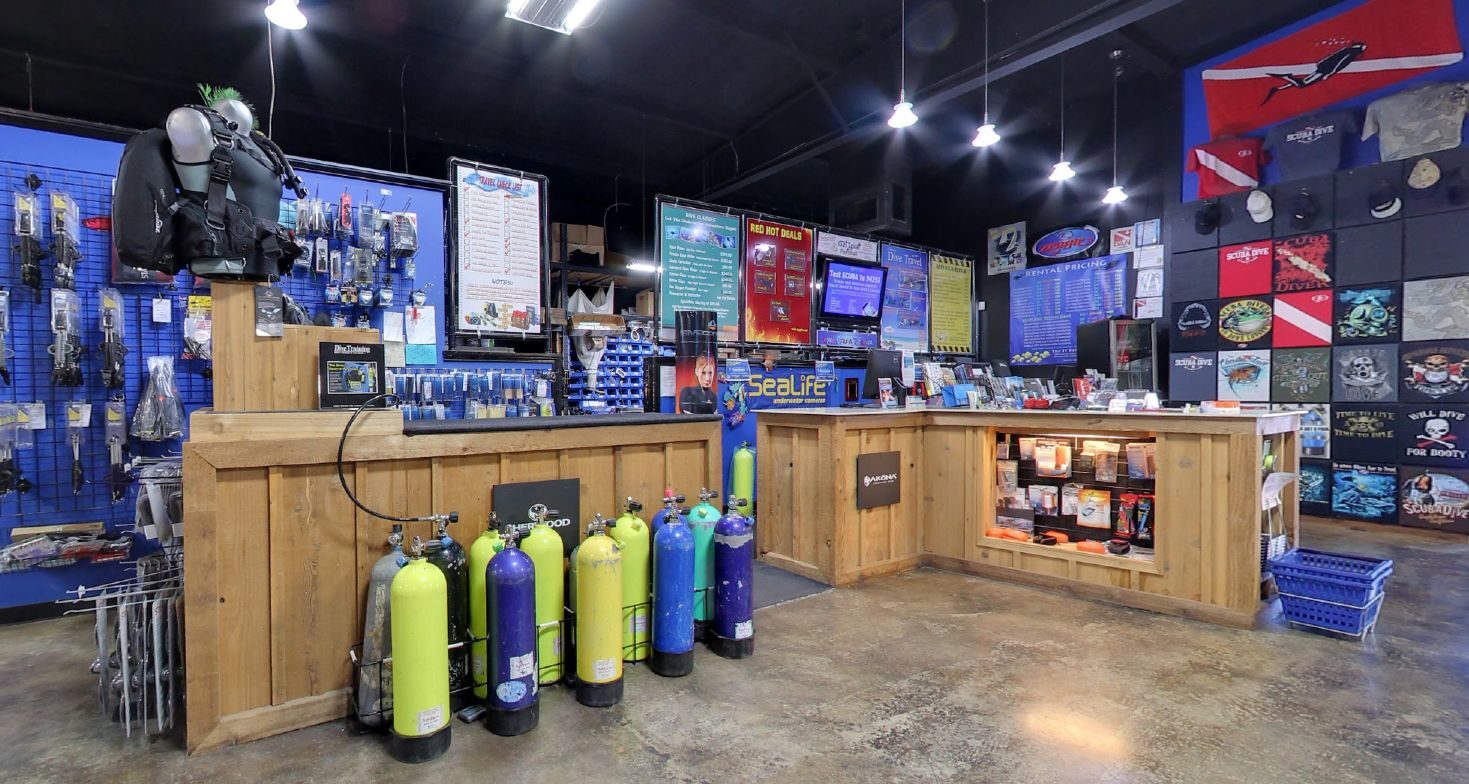


Went to look since I had never heard of it. Found this, lol.