

- cross-posted to:
- linux@programming.dev
- cross-posted to:
- linux@programming.dev
cross-posted from: !linux@programming.dev | https://retrolemmy.com/post/29373322
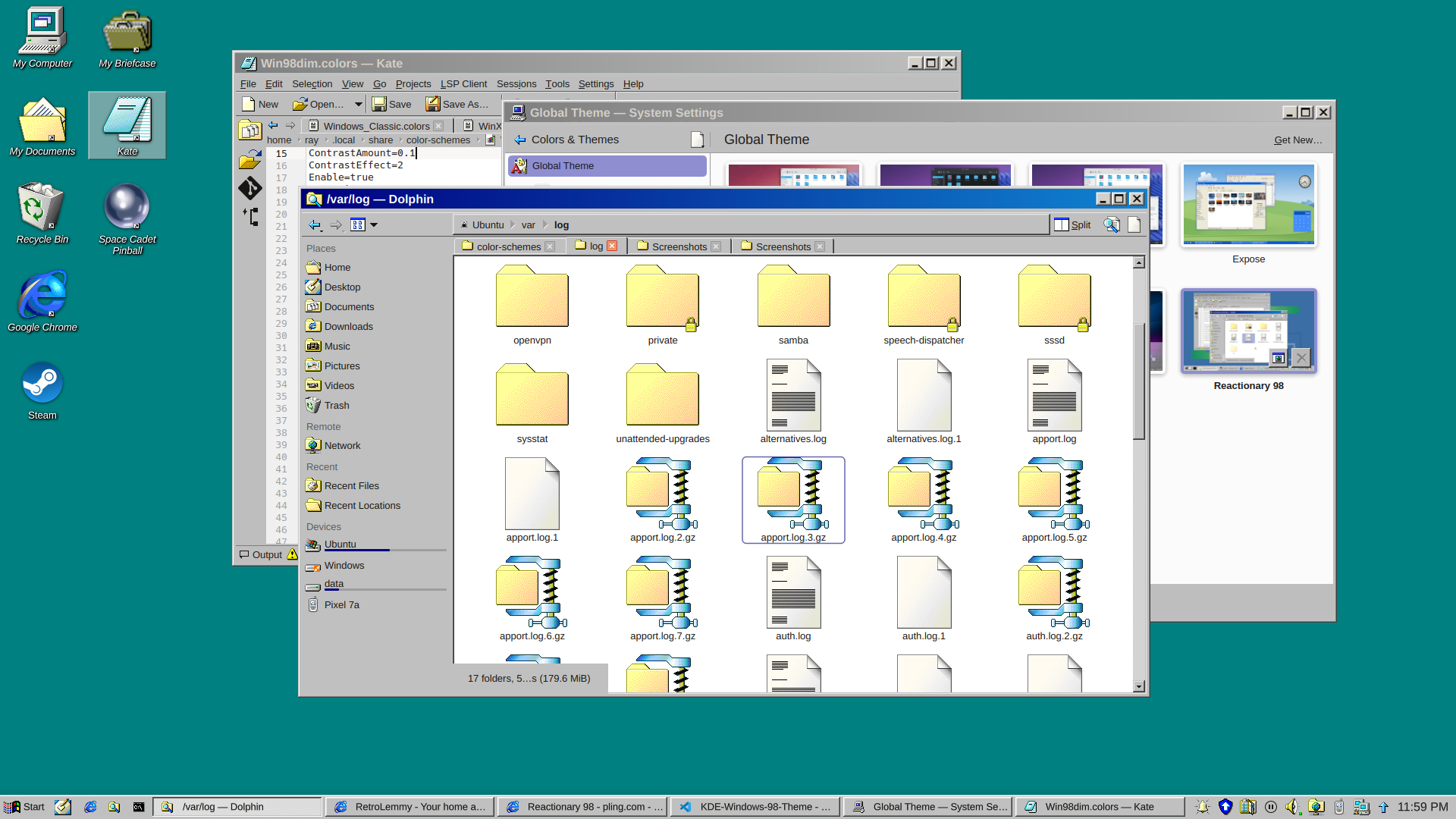
EDIT: v0.9 released
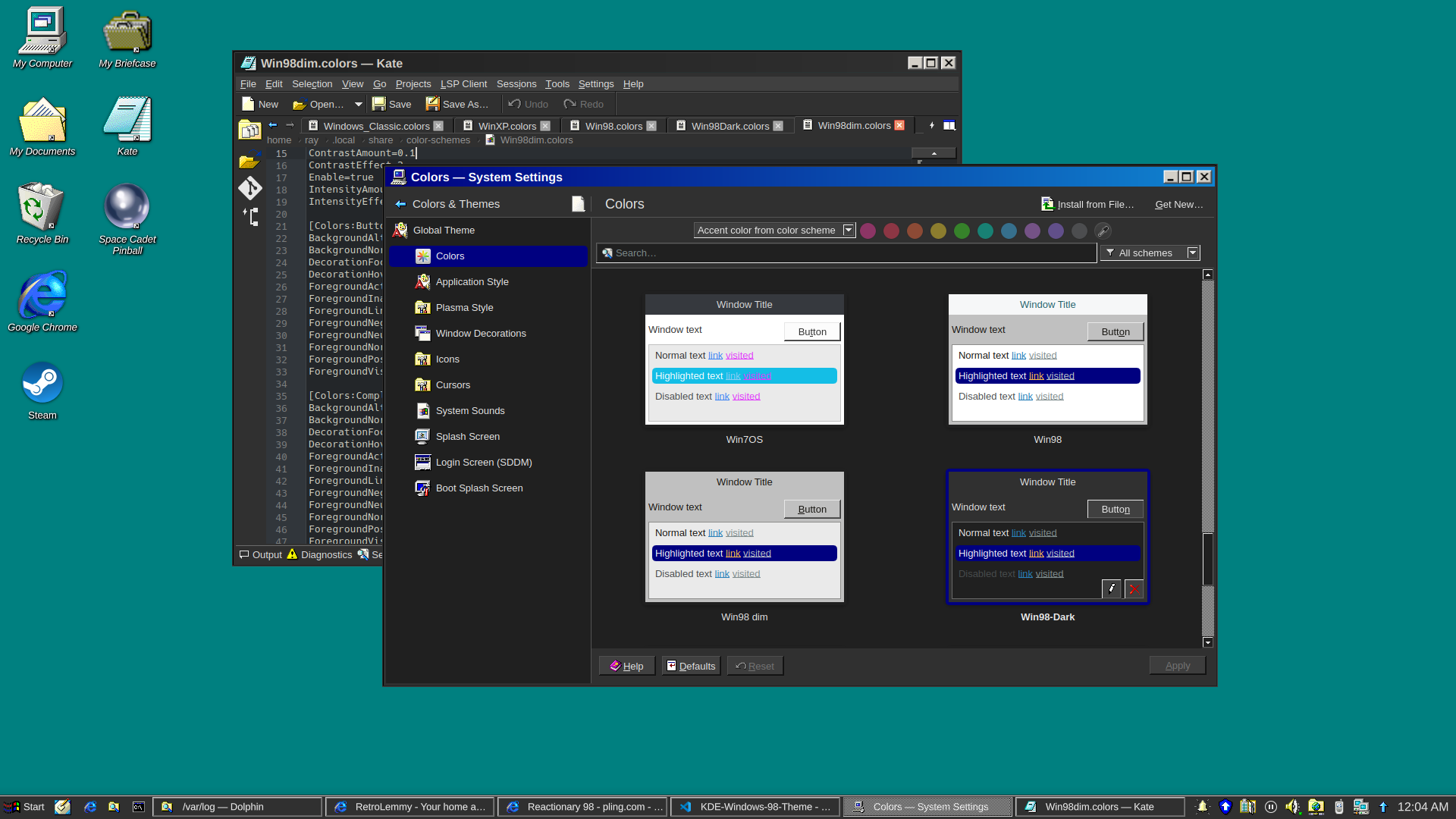
and a dark version
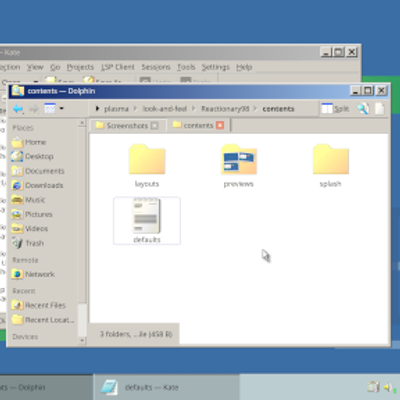
I really just put a bunch of pieces together. Forked from Reactionary Plus, but swapped out the icons, cursors, window decorations, color scheme, and made some slight tweaks to the layout.
More screenshots and changelogs here: https://store.kde.org/p/2330858
To install this, open System Settings, go to Colors & Themes -> Global Theme. In the top right there’s a button for “Get New…”, wait for it to load (it’s very slow) then search for reactionary, and wait again, then install Reactionary 98.
This is my first time messing with any of this stuff, it was a bit janky lol.
This would be perfect if the taskbar was thinner. I might try this one out!
I made it thinner in v0.9, with a bunch of other changes. New screenshots on the store page.
Looks great! Good job!
That’s easy to tweak. I made everything big for the thumbnail and screenshots lol. I should try to get the proportions right on it though.
If only I could get a Win98 VM working lol
Use dosbox-x or 86box they have windows 9x support